mirror of
https://github.com/xmansyx/Pro-Fox
synced 2026-11-22 18:51:11 +00:00
Mirror of https://github.com/xmansyx/Pro-Fox
- CSS 100%
| Filename | Latest commit message | Latest commit date |
|---|---|---|
 35ea1a3458 Drop preferences Firefox no longer reads and point to about:support for finding the profile folder. |
||
| previews | ||
| LICENSE | ||
| README.md | ||
| userChrome.css | ||
pro-fox: A Firefox Theme
Description
A custom CSS theme for Firefox Proton that aims to make it even better
- tabs are moved under the URL bar
- centered URL bar
- remove (playing - paused) from tabs that are playing videos or sound
- selected tabs expand and use the system accent color
- moved sound icon on top of favicon
- enhanced and bigger menus with icons
- supports both dark and light mode
- more...


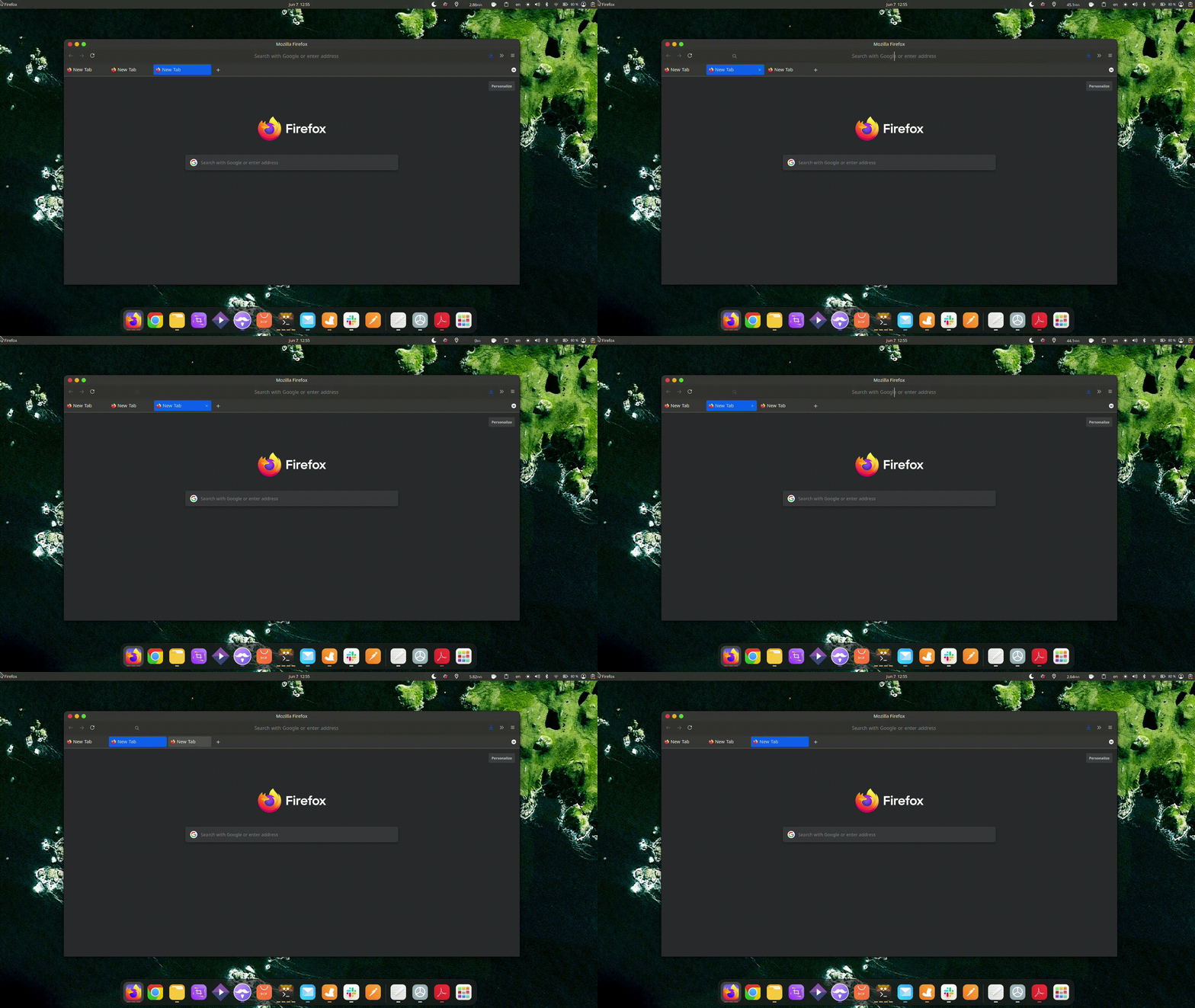
Notes
- Developed and tested on Linux.
- Windows and macOS window controls are handled with
-moz-platformmedia queries. - Firefox changes its internal UI often, so a Firefox update can break parts of any
userChrome.csstheme. Please open an issue with your Firefox version if something looks wrong.
Manual Installation
-
Open
about:configpage. -
Press the
Accept the Risk and Continuebutton. -
Set these preferences to
true:toolkit.legacyUserProfileCustomizations.stylesheets(lets Firefox loaduserChrome.css)svg.context-properties.content.enabled(lets the menu icons follow the theme color)
-
Open your Firefox profile folder: go to
about:supportand click Open Folder next to Profile Folder.- Linux -
$HOME/.mozilla/firefox/XXXXXXX.default-XXXXXX/ - Windows -
C:\Users\<USERNAME>\AppData\Roaming\Mozilla\Firefox\Profiles\XXXXXXX.default-XXXXXX - macOS -
/Users/<USERNAME>/Library/Application Support/Firefox/Profiles/XXXXXXX.default-XXXXXXX
- Linux -
-
Create a folder named
chromein the profile folder and copyuserChrome.cssfrom this repo into it. -
Restart Firefox.
-
Pick a color mode in Settings → General → Website appearance, or choose a theme in Add-ons and themes:
- System theme - follows your OS colors with this theme's layout.
- Dark - dark color scheme. Good for the night.
- Light - bright color scheme.